
Salary Slip Format in Excel Free Download
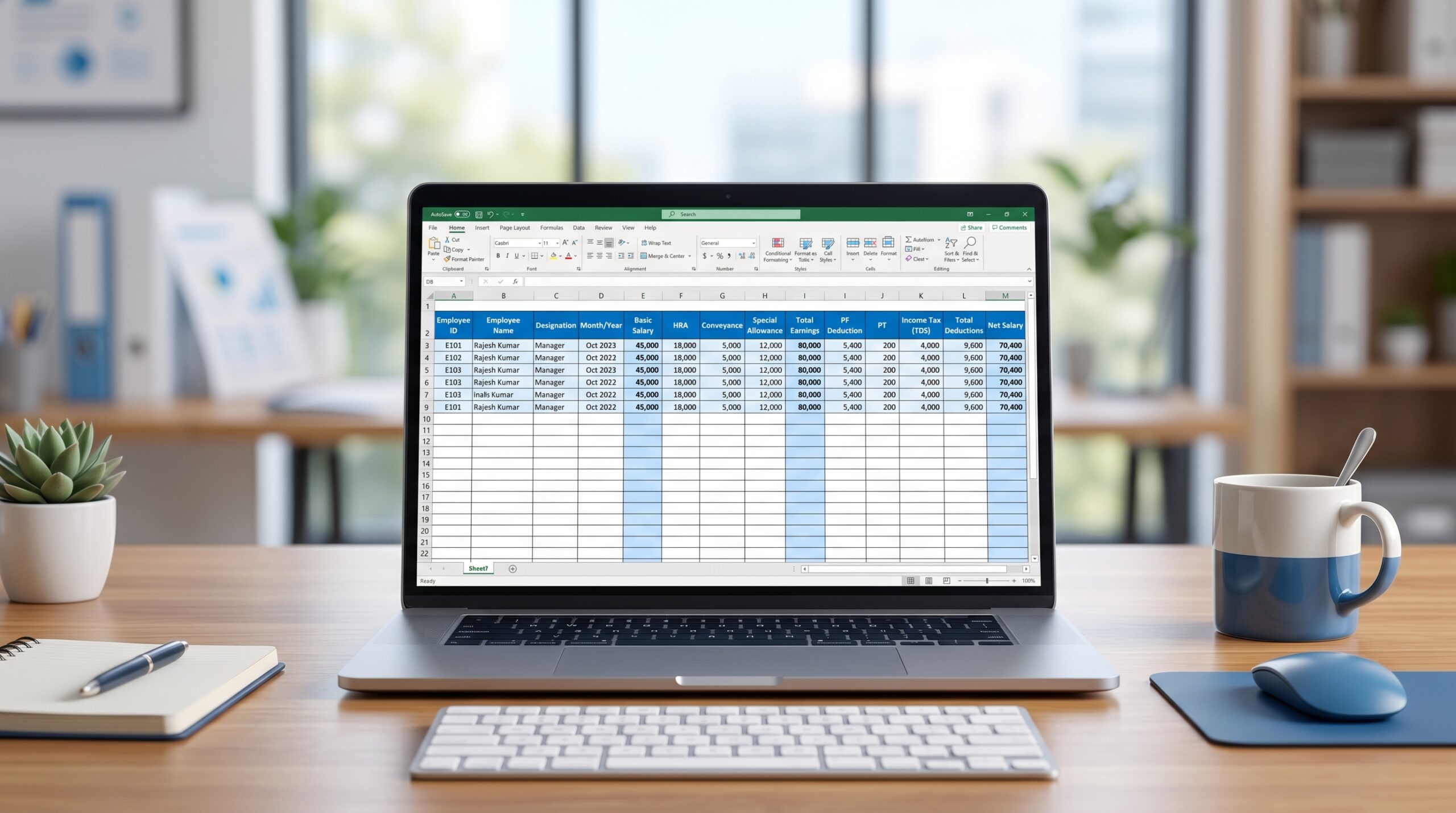
A salary slip is a simple record of the salary paid by an employer to an employee for a particular month. It usually shows the employee details, pay period, earnings, deductions, and net salary.
If you need a clean and editable template, this page gives you a practical salary slip format in Excel that can be used by small businesses, HR teams, payroll staff, and employees who need a simple payslip structure.
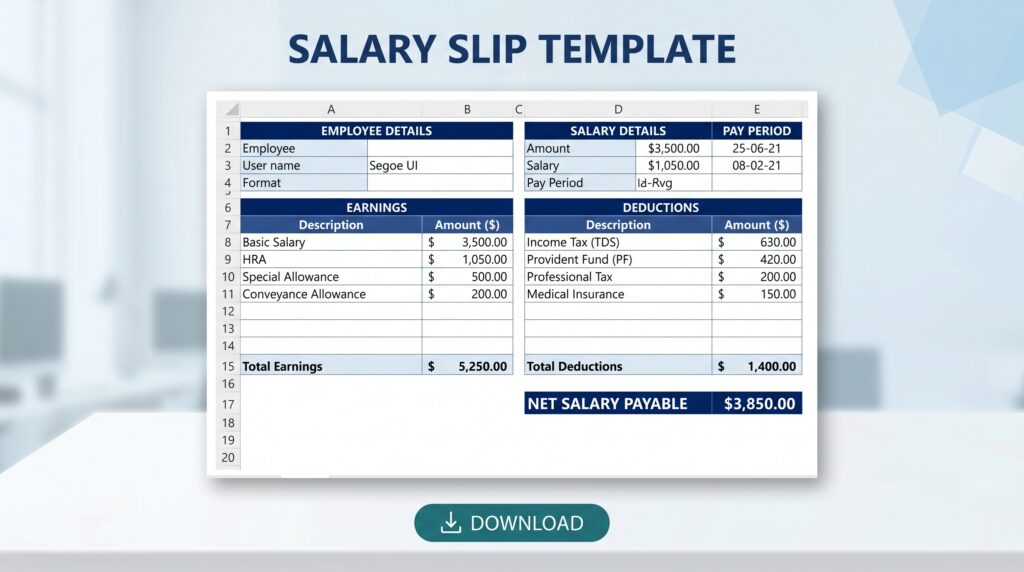
Download Salary Slip Format in Excel
Suggested file: salary-slip-format.xlsx
You can use this template for:
- monthly salary processing
- employee salary proof
- HR and payroll records
- small business payroll documentation
A good Excel salary slip format should be:
- easy to edit
- clear to read
- suitable for monthly payroll
- structured for earnings and deductions
- printable when needed
What a salary slip should include
A standard salary slip format in Excel should contain the following sections.
1. Employer details
- company name
- company address
- contact details, if required
- logo, optional
2. Employee details
- employee name
- employee ID
- designation
- department
- date of joining
- PAN, UAN, or ESIC number where relevant
3. Salary period details
- salary month
- pay period
- total working days
- paid days
- leave details, if shown
4. Earnings
Common earning heads include:
- basic salary
- house rent allowance
- conveyance allowance
- medical allowance
- special allowance
- other allowance
- bonus or incentive, if applicable
5. Deductions
Common deduction heads include:
- provident fund
- ESI
- professional tax
- TDS
- leave deduction
- advance deduction
- other deductions
6. Net salary
Net Salary = Total Earnings – Total Deductions
Salary Slip Format in Excel, Sample Structure
You can copy this structure into Excel and use it as the base format.
| Field | Details |
| Company Name | ABC Private Limited |
| Salary Month | April 2026 |
| Employee Name | Rahul Sharma |
| Employee ID | EMP102 |
| Designation | Accounts Assistant |
| Department | Finance |
| Date of Joining | 10 June 2024 |
| UAN | 100000000000 |
| ESIC No. | 0000000000 |
Earnings table
| Earnings | Amount (₹) |
| Basic Salary | 18,000 |
| HRA | 7,200 |
| Conveyance Allowance | 1,600 |
| Special Allowance | 3,200 |
| Bonus | 0 |
| Total Earnings | 30,000 |
Deductions table
| Deductions | Amount (₹) |
| Provident Fund | 2,160 |
| ESI | 225 |
| Professional Tax | 200 |
| TDS | 0 |
| Other Deductions | 0 |
| Total Deductions | 2,585 |
Net salary
| Summary | Amount (₹) |
| Total Earnings | 30,000 |
| Total Deductions | 2,585 |
| Net Salary | 27,415 |
Copy-paste salary slip format
Below is a simple copy-paste version you can adapt in Excel.
Company Name:
Company Address:

Salary Month:
Pay Period:

Employee Name:
Employee ID:
Designation:
Department:
Date of Joining:
UAN:
ESIC No:

EARNINGS
Basic Salary:
HRA:
Conveyance Allowance:
Medical Allowance:
Special Allowance:
Other Allowance:
Bonus/Incentive:
Total Earnings:

DEDUCTIONS
Provident Fund:
ESI:
Professional Tax:
TDS:
Advance:
Leave Deduction:
Other Deductions:
Total Deductions:

NET SALARY:
Net Salary in Words:

Authorised Signatory:
How to make this salary slip format useful in Excel
If you are creating the Excel version, keep the layout simple.
Recommended sheet sections
- company header
- employee details
- earnings table
- deductions table
- net salary summary
- signature line
Useful Excel formulas
- Total Earnings: =SUM(B2:B8)
- Total Deductions: =SUM(B12:B17)
- Net Salary: =B9-B18
The actual cell references will depend on your final sheet layout.
Who can use this template
- small employers
- HR executives
- payroll staff
- accountants
- startups managing monthly salary manually
- employees who need a sample payslip format
Difference between salary slip and salary certificate
A salary slip is a monthly pay record showing salary components and deductions.
A salary certificate is usually a separate employer-issued document confirming an employee’s salary for a bank, visa, loan, or other formal purpose.
Both documents serve different uses, so it is useful to keep separate templates for each.
Common mistakes to avoid
- missing employee ID or salary month
- not showing deduction breakup
- wrong PF or ESI figures
- unclear net salary calculation
- using inconsistent component names every month
- leaving out employer details
Related compliance note
Salary slips often include statutory deductions such as PF and ESI. The actual applicability and contribution amount should be verified with the latest rules, wage structure, and employee coverage status.
Readers should check the current compliance position before using the format for live payroll processing.
FAQ
Is salary slip mandatory in India?
The requirement can vary based on applicable labour rules, state rules, establishment practice, and company policy. Many employers issue salary slips as a standard payroll record and employee proof document.
Can I create a salary slip in Excel?
Yes. Excel is commonly used for simple salary slip preparation, especially by small businesses and early-stage payroll teams.
What is included in a salary slip?
It generally includes employee details, salary month, earnings, deductions, and net salary.
Can I use one salary slip format for all employees?
Yes, the base format can remain the same. The salary components and deductions can be adjusted according to role, salary structure, and statutory applicability.
Should PF and ESI appear on the salary slip?
If those deductions apply to the employee, they are commonly shown in the deductions section.
Table of Contents
- Download Salary Slip Format in Excel
- What a salary slip should include
- Salary Slip Format in Excel, Sample Structure
- Copy-paste salary slip format
- How to make this salary slip format useful in Excel
- Who can use this template
- Difference between salary slip and salary certificate
- Common mistakes to avoid
- Related compliance note
- FAQ

0 thoughts on “Salary Slip Format in Excel Free Download”